
Player guide
Bomb Farm Controls and Client UI Orientation
Understand Bomb Farm's Windows client, keyboard and mouse support, save-anytime category, and known UI clarity limits before deeper play.
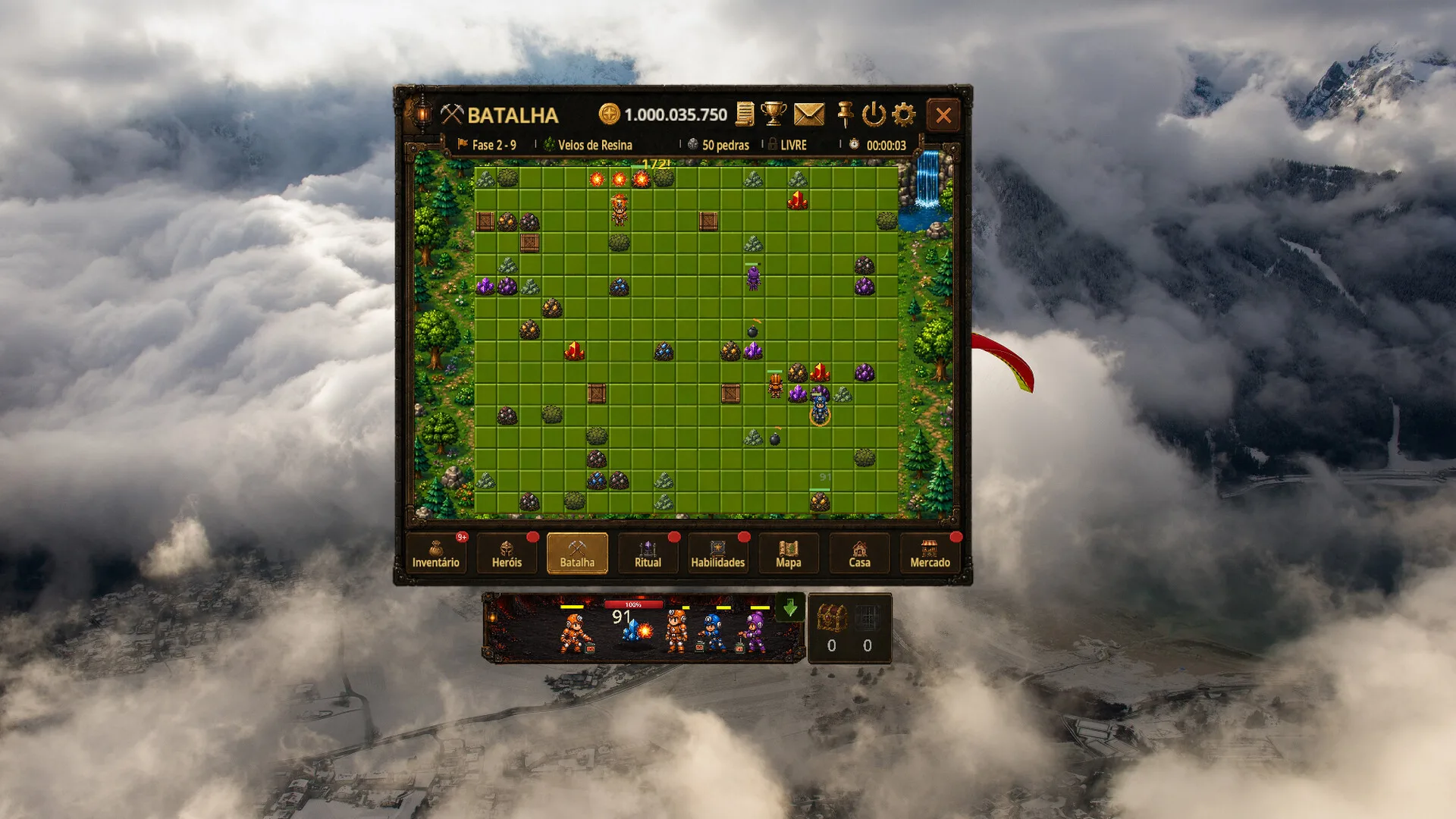

Bomb Farm is published on Steam for Windows PC. Until the live client or official documentation is checked for exact bindings, this controls guide focuses on safe orientation: what to verify, where input confusion usually starts, and which related pages help when a control issue is actually a performance or platform issue.
What players should check first
Start from the current in-game settings menu and Steam overlay. Confirm these actions in the live build before relying on any outside shortcut list:
- Menu navigation and confirmation/cancel actions.
- Upgrade, gear, Ritual, and inventory interactions.
- Team switching and hero panel interaction.
- Market inventory review before confirming any item movement.
- Window focus and Steam overlay behavior.
The Steam store verifies the PC platform and core systems, but it does not publish a complete launch hotkey table.
Accessibility notes
Check controller support, rebinding behavior, accessibility toggles, Steam Deck status, and UI scaling in the current client before relying on them. Those details are not confirmed by the checked Steam store data.
Troubleshooting before changing settings
If input does not work, check whether the game window is active, whether Steam overlay focus captured the command, whether a controller profile is interfering, and whether the client is still connected. If the problem feels like lag or stutter rather than a keybind issue, compare your machine against System Requirements.
Related controls-sensitive pages
- How to Play explains when team switching and upgrades matter.
- Steam Market Safety explains why item review and confirmation need extra care.
- FAQ collects platform and troubleshooting questions.
Quick answers
Frequently asked questions
Are exact hotkeys verified?
Not yet. The checked Steam source confirms the PC context, but exact bindings should be confirmed in the current game client.
Is controller support verified?
No. This page does not claim controller support, rebinding behavior, or Steam Deck status without a current official source or direct client check.
Sources & verification
How this page was checked
Last verified
- 01store.steampowered.comofficial
Steam categories list keyboard and mouse options plus save-anytime and pace accessibility tags.
View source